
Lesson 3
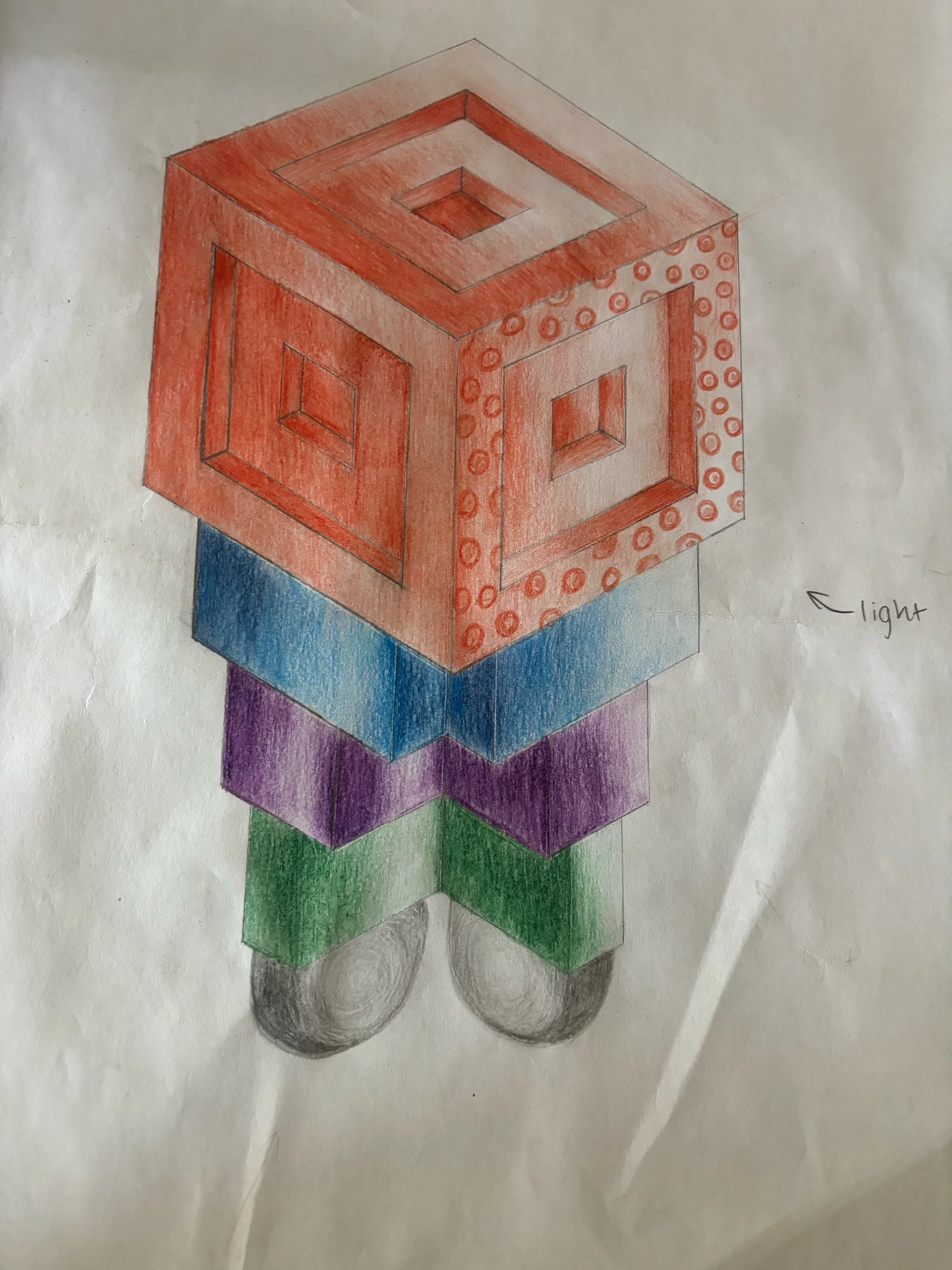
Using Isometric drawing as a guide to digitally design on Adobe Illustrator.
Skills
Refinement
Rendering
Using digital tools
Link to previous lesson & Lesson aim: Using Isometric drawing as a guide to digitally design on Adobe Illustrator
Tuning in/Warm up:
Using this video from Visual Communication Victoria (Part 2 - Digital Technical drawing) to provide an example of converting the design using Adobe Illustrator. Then as a class we will move to the computer lab, and the teacher will conduct a live example on Illustrator. Creating the cube portion of the Robot (the base shape) allowing students to follow along with the basic concepts of creating the right shapes/lines on the computer. Creating collaboration and a group discussion to address common issues/questions in the hope of alleviating any confusion amongst the group.
Body/main task:
Designing digital designs in the computer lab, starting with the outline and developing based on their final drawing. Constructing as much of their Robot structure as possible.
Clean up/pack up:
Packing class up 10 minutes early to make way back to art rooms and put folders back in the drawer/tub.
Lesson conclusion/student reflection:
How far along did students get with their digital design - are they prepared to add colour and complete the design?
Have they all applied the right 30 degree isometric angle to their lines, while re-creating their Robots. Are any students having trouble re-creating their work - does any adjustments need to be made to the final outcome expectations to ensure the class can complete the lesson sequence sufficiently.